Settings reference
Settings holds every option for your event in one long page. Tap Save settings at any time; you will see Saved. Live everywhere already. Guests' phones pick up changes within about 20 seconds.
The event#
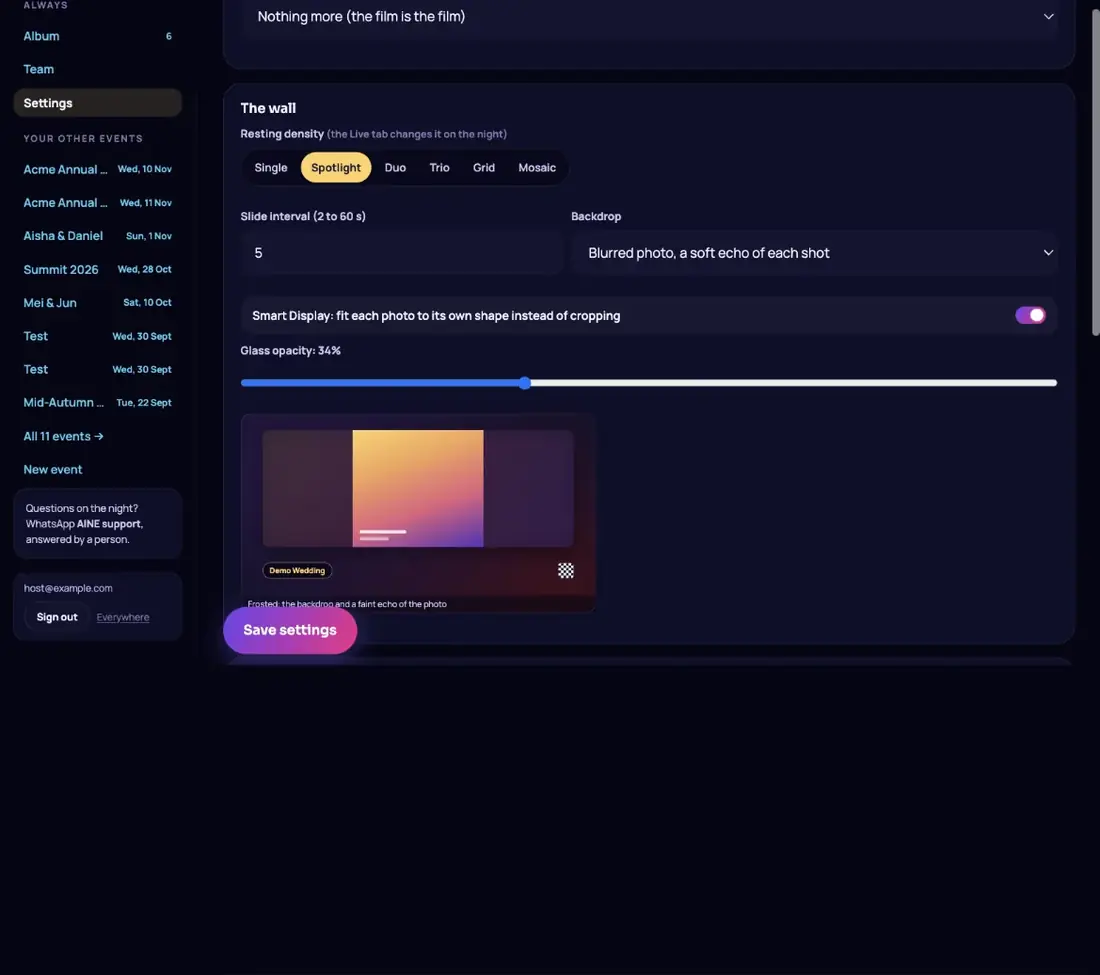
| Field | Notes |
|---|---|
| Event name | Locks with the other details. Details lock. |
| Starts | Moves freely until the first shot, then by up to 3 days either way. For bigger moves use Postponed? on the Before tab. |
| Timezone | The clock every time on the event is read on. |
| Venue | Shown under the name. Locks with the details. |
| Occasion | Sets the tone of the report and run sheet. Locks with the details. |
| Guest capacity | How many guests can join. Cannot exceed your plan's cap. |
| Shots per guest | Used when shot counting is set to per guest. |
| Status | Active, ended or archived. You can also end the event from the After tab. |
| Organiser or brand name | Shown on the report and wall badge. Blank uses the event name. |
| Reveal time | Blank means a live reveal. Set a time and guests' camera rolls tell them the album reveals at that time. |
Look#
Upload the Cover image and Logo or monogram. With the magic frame or booth on, you also get Artwork frame, portrait (3:4) and landscape (4:3) slots. See Cover, colours and magic frame.
The camera#
| Option | Notes |
|---|---|
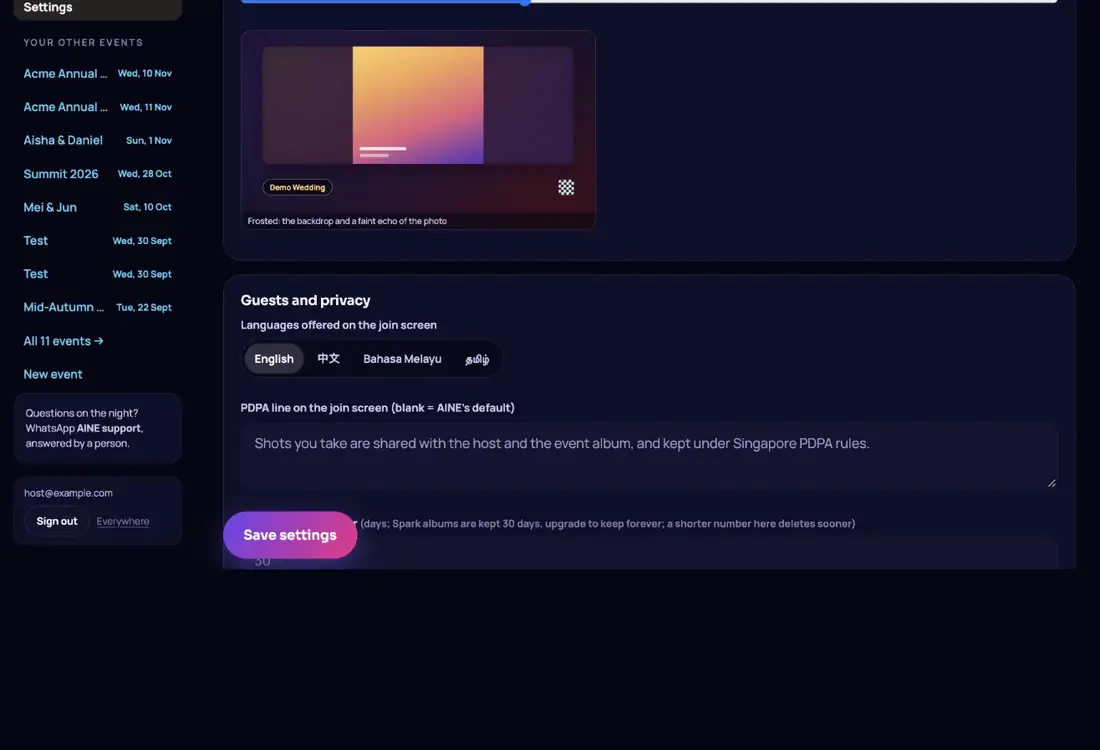
| Review photos before the wall shows them | Turning review off approves everything already waiting. |
| Auto-approve anything unreviewed after | 1 to 120 minutes; blank means never. Auto-approval runs while a wall is open. |
| Let guests add photos and videos from their camera roll | Each upload uses a shot. Videos over 80 MB are skipped. |
| Max video length | The field accepts 5 to 120 seconds, but the longest video is capped by your plan: 30 s on Spark and Glow, 60 s on Shine and Solstice. |
| Magic frame | Turns the sparkle button on in every guest's camera, and opens the look editor. |
| When a guest runs out of shots | Nothing more (the film is the film), Tell them to ask you for more, or Let guests buy more shots themselves by card at your plan's top-up price. |
The wall#
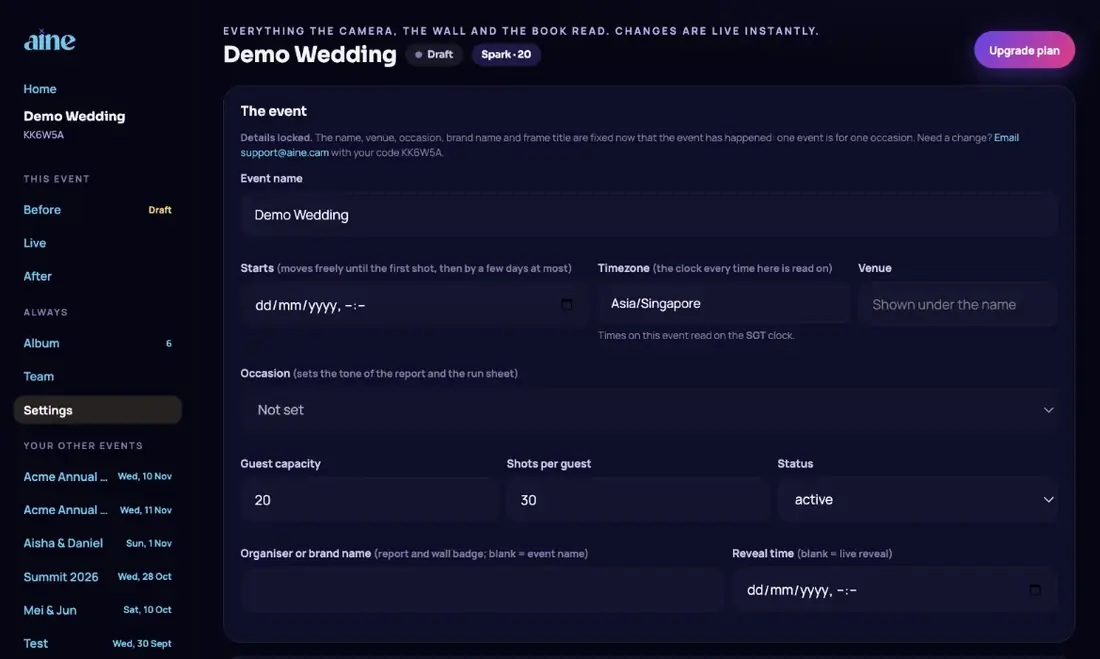
- Resting density: Single, Spotlight, Duo, Trio, Grid or Mosaic. You can change it live on the night from the Live tab.
- Slide interval: 2 to 60 seconds per slide.
- Backdrop: Blurred photo, Galaxy, Pure black or Your cover image.
- Smart Display: fits each photo to its own shape instead of cropping.
- Glass opacity: how see-through the panel around each photo is, with a live preview.
Guests and privacy#
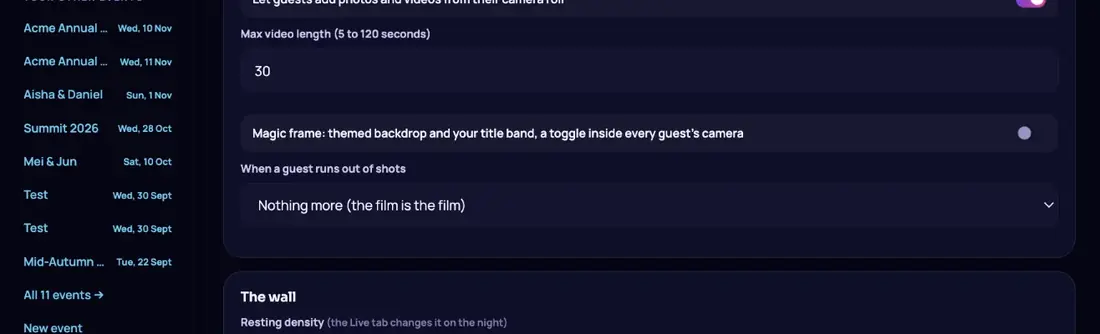
- Languages offered on the join screen: English, 中文, Bahasa Melayu, தமிழ். At least one.
- PDPA line on the join screen: up to 300 characters. Blank uses AINE's default: Shots you take are shared with the host and the event album, and kept under Singapore PDPA rules.
- Keep guest photos for: a number of days from 7 to 3,650. On paid plans blank means kept indefinitely; Spark albums are kept 30 days. A number here can only shorten how long photos are kept. Retention.
Wish character style#
When a guest draws a wish, AINE turns the sketch into a character for the big screen. If more than one style is available (for example Clay, Cinematic or Anime) choose one here. It applies to the next character made.
Well Wishes Book#
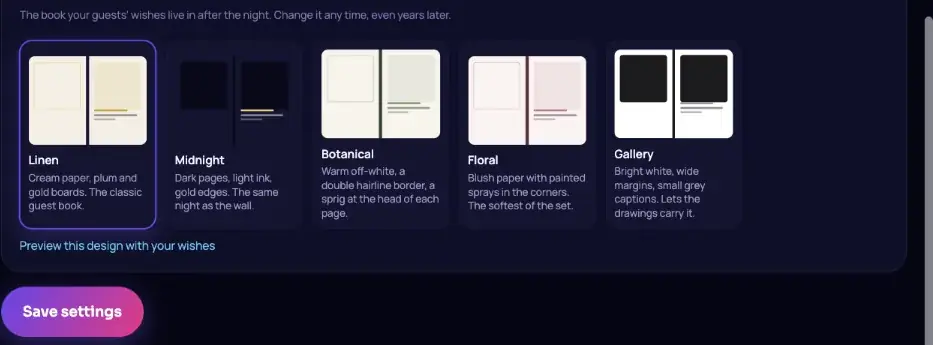
Pick the design your guests' wishes live in after the night, and tap Preview this design with your wishes. You can change it any time, even years later. The Well Wishes Book.
Save errors you might see#
| Message | What it means |
|---|---|
| Details locked | The name, venue or occasion can no longer change. Email support with your code. |
| Date can only move a few days | Shots exist, so the date can move by up to 3 days. Use Postponed? on Before. |
| Plans change through checkout | Use the upgrade buttons on the Before tab. |
| That setting can only be changed by AINE | A few fields are managed by the AINE team. Email support@aine.cam with your event code. |
Still stuck? A person answers every email, usually within one working day.
Email support@aine.cam